Latest Version
Ginger Labs, Inc.
General
Mac
Free
360593530
Report a Problem
More About Notability: AI Notes & PDF app
A New Era of Digital Note-Taking
Whether you are stepping into a university lecture hall or preparing for an executive board meeting, Notability: AI Notes & PDF app provides an incredibly fluid, multi-sensory environment to capture your thoughts. Developed by Ginger Labs, Inc., this powerful productivity application bridges the gap between traditional handwriting and modern digital efficiency. Instead of forcing you to choose between typing and sketching, it lets you combine both seamlessly on a single, infinite canvas.
Key Features of Notability: AI Notes & PDF app
What makes this application a standout choice for Mac, iPad, and iPhone users is its rich suite of interactive tools designed to capture information exactly how you process it:
- Multi-Media Integration: Blend digital ink, highlighters, typed text, images, and custom sketches on the same page.
- Document Annotation: Import PDFs, textbooks, lecture slides, and DOC files to mark them up directly with natural-feeling digital ink.
- Smart Audio Syncing: Record lectures or meetings while taking notes. The audio is synced to the exact moment you write, allowing you to tap any word to hear what was being said when you wrote it.
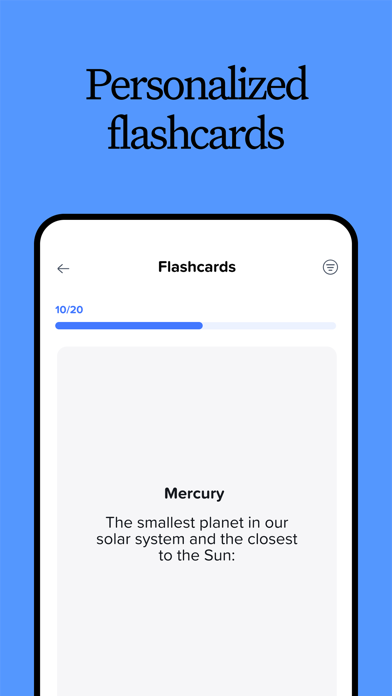
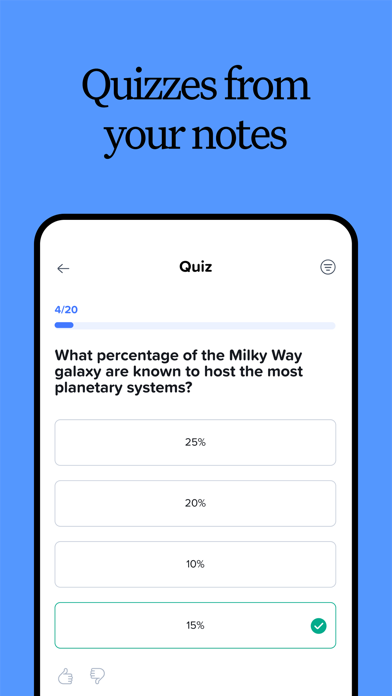
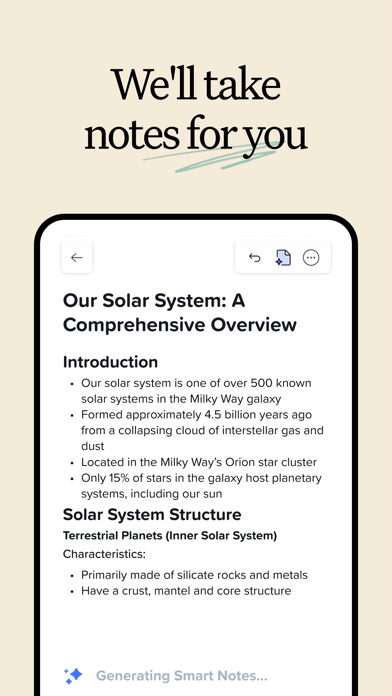
- AI-Powered Productivity: Upgrade to access automated meeting summaries, real-time voice transcription, and smart study tools like personalized quizzes and flashcards.
- Effortless Organization: Keep your projects, subjects, and courses neatly arranged in customizable folders and searchable dividers.
Who is Notability: AI Notes & PDF app For?
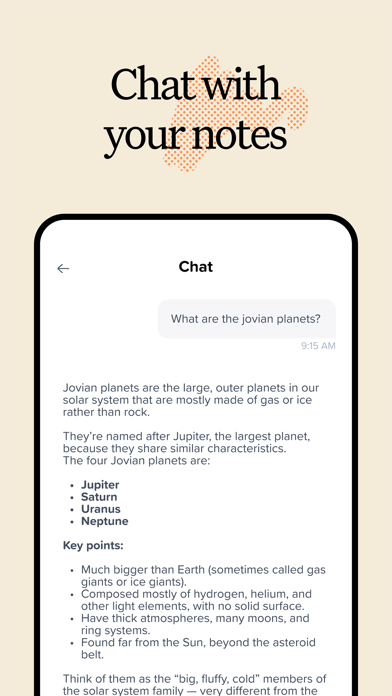
For students, the app acts as an ultimate study companion. You can import lecture slides, chat with your notes to clarify complex topics, and use active recall tools to prepare for exams. For professionals, it functions as a centralized workplace hub. You can fill out forms on-site, record and transcribe conference calls, present your ideas on a full screen using a virtual laser pointer, and view two documents side-by-side to maximize your multitasking efficiency.
Flexible Workflows and Access
The application is designed to adapt to your specific routine. You can sketch out diagrams, convert hand-drawn math equations, or use templates from the Notability Gallery to jumpstart your daily planning. Because your workflow shouldn't be confined to one device, you can easily access and edit your notes across your Mac, iPad, iPhone, and the web, keeping your ideas synchronized wherever inspiration strikes.
Is It Right for You?
If you are looking to declutter your desk and transition to a highly organized, searchable digital filing cabinet, this tool is one of the most reliable options available. It balances user-friendly simplicity with deep, technical features that cater to heavy note-takers. To experience this versatile workspace firsthand, you can explore the official app store page on your Apple device and get started for free today.
Rate the App
User Reviews







Popular Apps








Editor's Choice