


Latest Version
Microsoft Corporation
General
Mac
Free
462058435
Report a Problem
More About Microsoft Excel
The Ultimate Solution for Complex Data Management
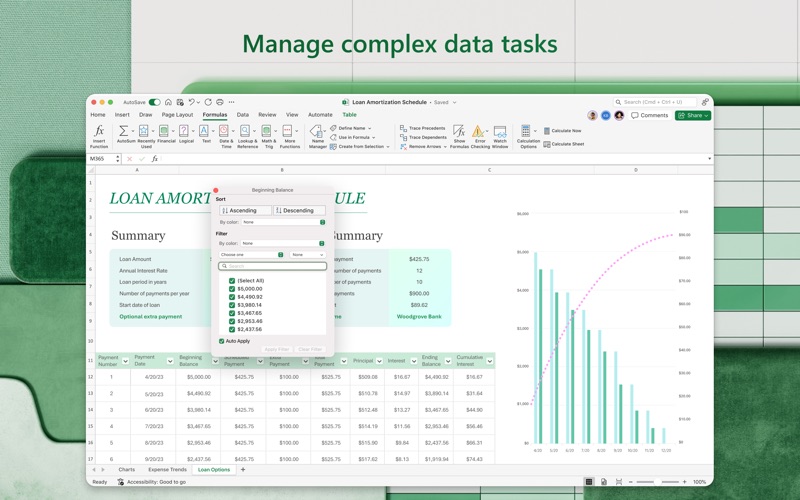
Whether you are trying to balance a growing household budget, track critical business milestones, or visualize complex scientific datasets, managing raw information can quickly become overwhelming. Without the right tools, numbers remain flat on a page, offering little to no insight. The Microsoft Excel spreadsheet software for Mac addresses this daily struggle by turning chaotic data points into organized, visually compelling, and actionable intelligence.
Built specifically to leverage the macOS environment, this version of the industry-standard spreadsheet application bridges the gap between raw input and high-level analysis. It provides a sophisticated workspace where professionals, students, and home users alike can organize their thoughts and figures with absolute precision.
Key Features of Microsoft Excel for Mac
Microsoft Excel spreadsheet software stands out due to its deep feature set designed to simplify data analysis and presentation:
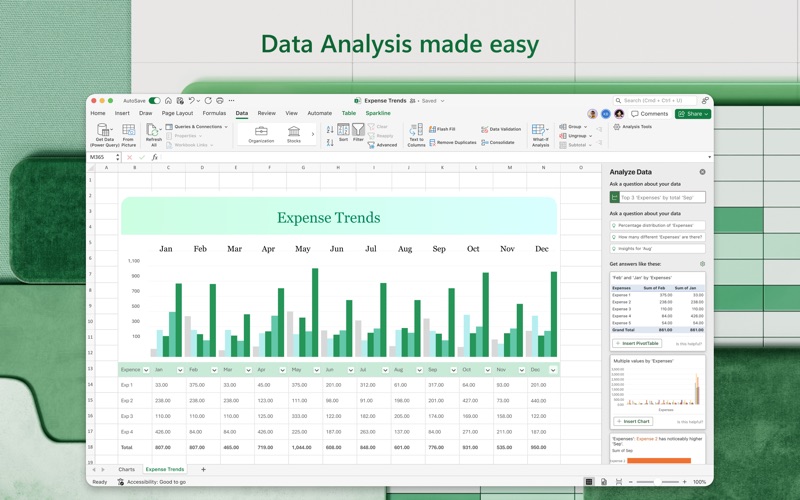
- Smart AI Assistance: The application features integrated AI that recognizes patterns within your datasets, offering automated suggestions and formulas to accelerate your workflow.
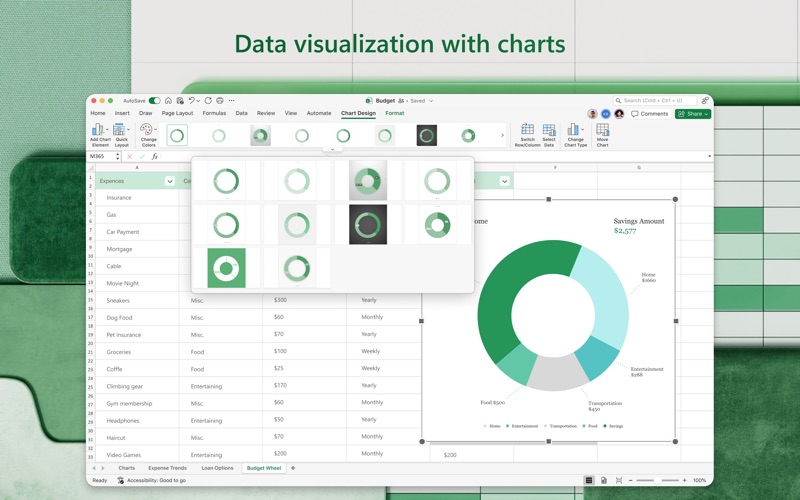
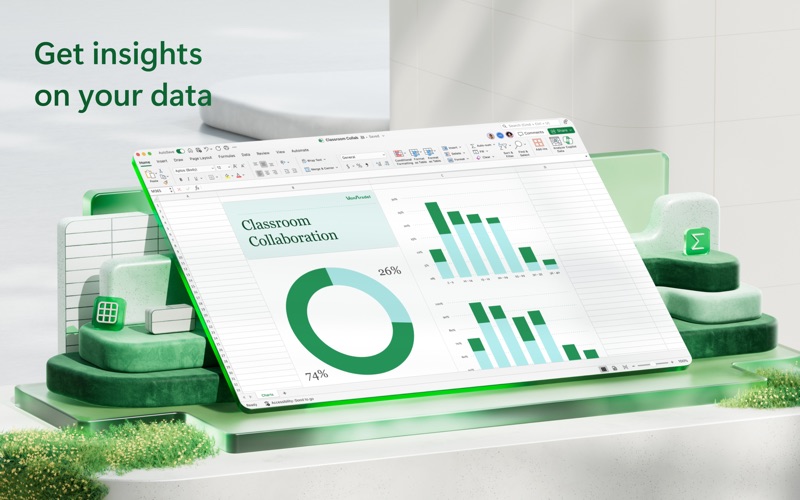
- Advanced Data Visualization: Create a wide array of new charts, graphs, sparklines, and tables that help you present complex data in highly readable, professional formats.
- One-Click Trend Forecasting: Predict future outcomes and trends effortlessly by generating visual forecasts with a single click.
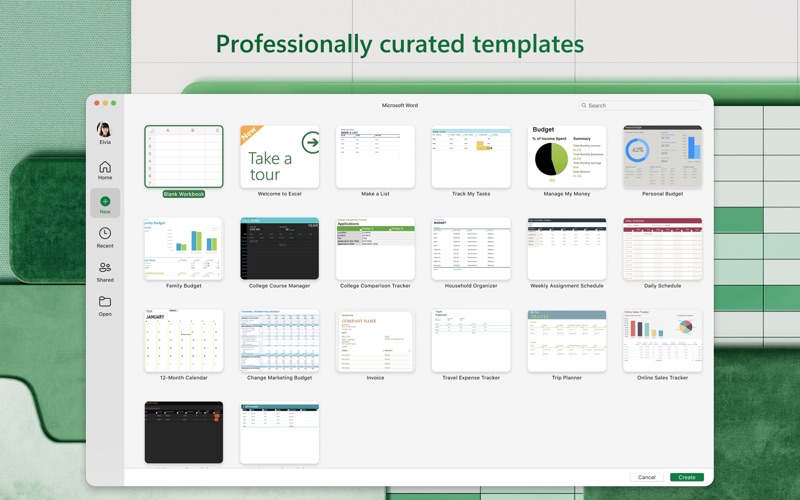
- Premium Templates: Access a continuously updated catalog of premium templates to jumpstart budgets, project timelines, and financial reports.
- Seamless Cloud Collaboration: Work alongside colleagues or family members in real time. The app allows you to manage viewing and editing permissions, track active contributors, and assign tasks directly via comments.
Who is This Spreadsheet Software For?
This software is tailored for anyone who demands more than basic grid-based data entry. Financial analysts rely on its deep mathematical modeling capabilities, while project managers utilize its timeline templates to keep teams aligned. Additionally, everyday users find it invaluable for organizing personal finances, tracking investments, or coordinating group events. Because it requires a qualifying Microsoft 365 subscription, it is ideal for those invested in a comprehensive ecosystem of productivity tools, including Word, PowerPoint, and OneDrive cloud storage.
Our Editorial Verdict
The Mac edition of Microsoft Excel spreadsheet software successfully delivers the robust capabilities desktop users expect, wrapped in a polished interface. Its standout strength lies in its collaborative features, allowing multiple users to co-author sheets without version control headaches. While the application requires a subscription to unlock its full potential, the inclusion of cloud storage, top-tier security, and continuous feature updates makes it an indispensable asset for serious productivity.
To explore how this tool can elevate your data management, visit the official App Store page to view licensing options and install Microsoft Excel on your Mac.
Rate the App
User Reviews












Popular Apps










Editor's Choice