


Latest Version
Microsoft Corporation
General
Mac
Free
462054704
Report a Problem
More About Microsoft Word
Transform Your Writing with Microsoft Word Document Creation Tools
Microsoft Word document creation has long been the industry standard for professionals, students, and creatives alike. On the Mac platform, this powerful word processor delivers a refined, seamless experience that translates complex formatting ideas into polished, publication-ready documents. Whether you are drafting a quick memo, formatting a academic thesis, or designing a marketing newsletter, the application provides an expansive suite of editing and styling tools tailored to elevate your writing workflow.
Key Features for Seamless Document Design
This software goes far beyond simple text entry. It offers a robust environment where layout, typography, and collaboration converge:
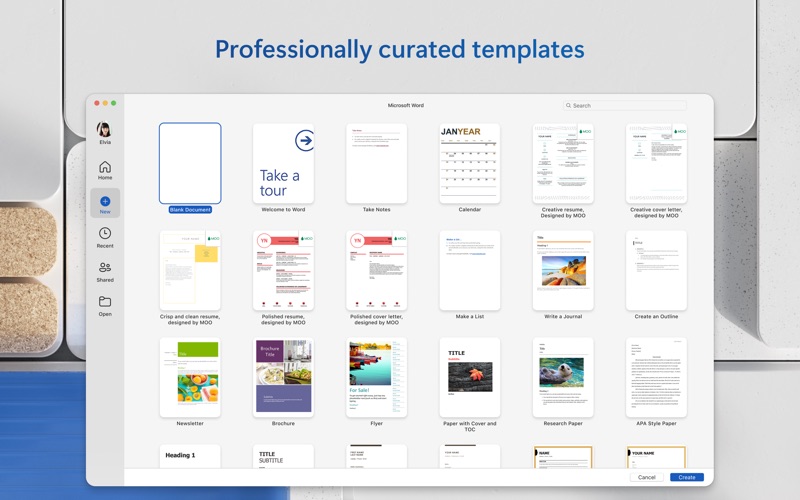
- Premium Creative Templates: Skip the setup phase and jumpstart your projects with a rich catalog of professional templates designed for reports, resumes, and newsletters.
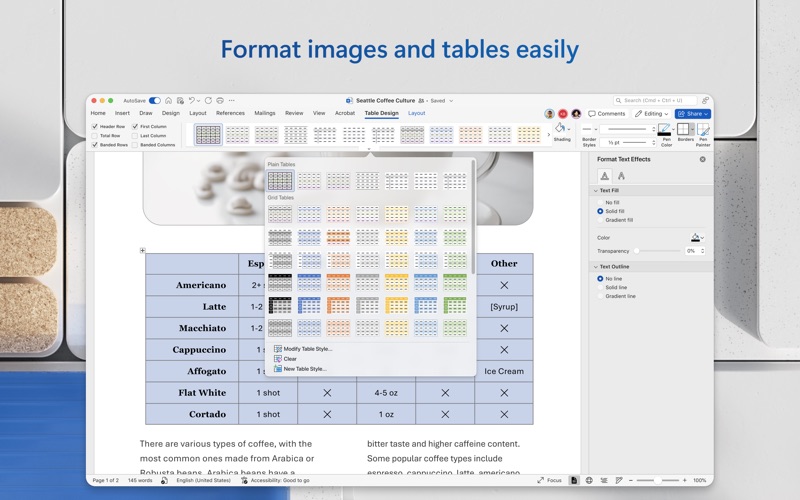
- Advanced Typography and Layouts: Achieve pixel-perfect document design on your Mac with granular control over margins, columns, styles, and spacing.
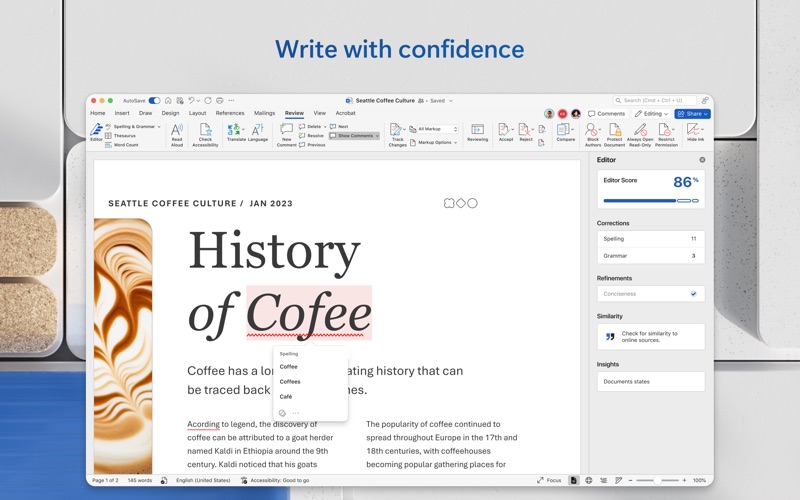
- Intelligent Writing Assistance: Refine your voice using Microsoft Editor, which analyzes your draft to offer real-time suggestions on grammar, spelling, clarity, and conciseness.
- Secure Cloud Integration: Auto-save your progress directly to OneDrive or other supported cloud providers, ensuring your latest drafts are accessible from any synchronized device.
Real-Time Collaboration and Feedback
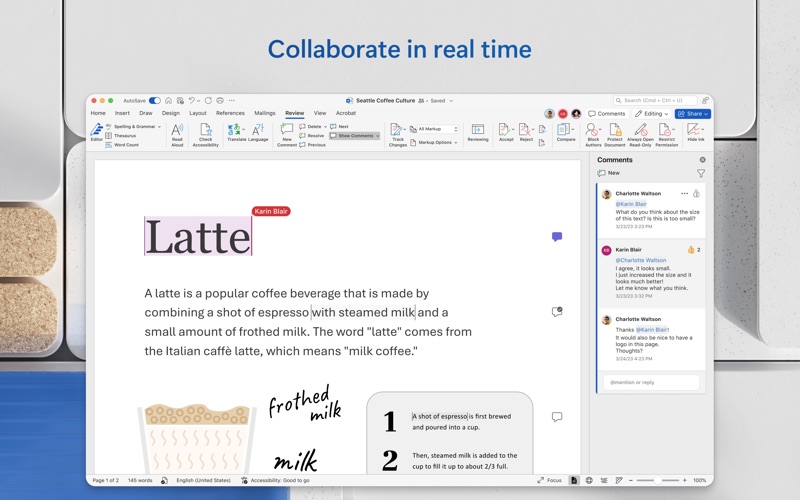
Modern writing projects rarely happen in isolation. The platform excels at keeping teams aligned through intuitive co-authoring features. Multiple users can work inside the exact same document simultaneously, viewing updates as they happen. Writers can leave targeted comments, assign tasks to specific team members, and manage editing permissions securely. This collaborative approach eliminates the confusion of managing multiple file versions and streamlines the entire review process.
Who Benefits Most from Word on Mac?
Because of its adaptability, the application serves a diverse range of users:
- Bloggers and Journalists: Draft engaging copy with distraction-free writing modes and robust word-count tracking.
- Students and Academics: Manage complex citations, reference tables, and precise formatting guidelines with ease.
- Project Managers: Build structured project documentation, assign action items, and share clean PDF exports with stakeholders.
Getting Started
To access the full suite of premium features, a qualifying Microsoft 365 subscription is required. This subscription unlocks advanced capabilities across Word, Excel, and PowerPoint, alongside generous cloud storage. If you are ready to elevate your writing and design capabilities, check out the official Mac App Store page to explore the application and select the subscription plan that best fits your workflow.
Rate the App
User Reviews












Popular Apps










Editor's Choice