
Latest Version
Emeric Grange
Health
Linux
Free
io.emeric.toolblex
Report a Problem
More About toolBLEx
When working with wireless hardware on Linux, identifying connection drops or diagnosing misbehaving Bluetooth peripherals can feel like searching in the dark. The toolBLEx Bluetooth scanner and analyzer steps in to solve this exact headache, offering developers and tech enthusiasts a clear, visual window into the local wireless environment.
What is toolBLEx and How Does It Work?
Developed by Emeric Grange, this utility acts as a specialized diagnostic bridge for both Bluetooth Low Energy (BLE) and classic Bluetooth protocols. Instead of wrestling with complex command-line arguments, Linux users get a structured graphical interface to inspect, trace, and debug active wireless signals in real time.
Core Features of the toolBLEx Bluetooth Scanner and Analyzer
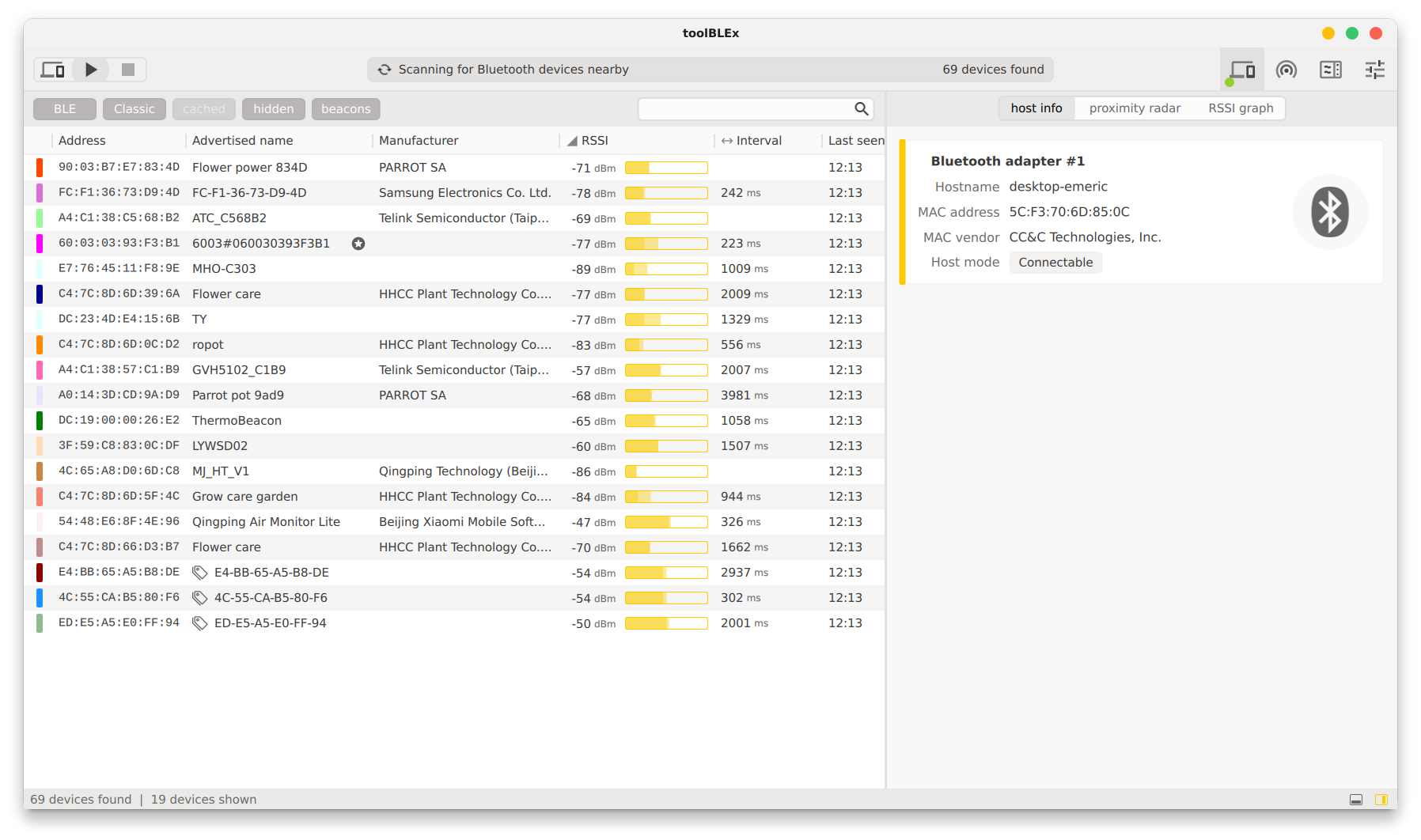
- Dual-Protocol Scanning: Effortlessly discover both traditional Bluetooth hardware and modern BLE peripherals operating in your immediate vicinity.
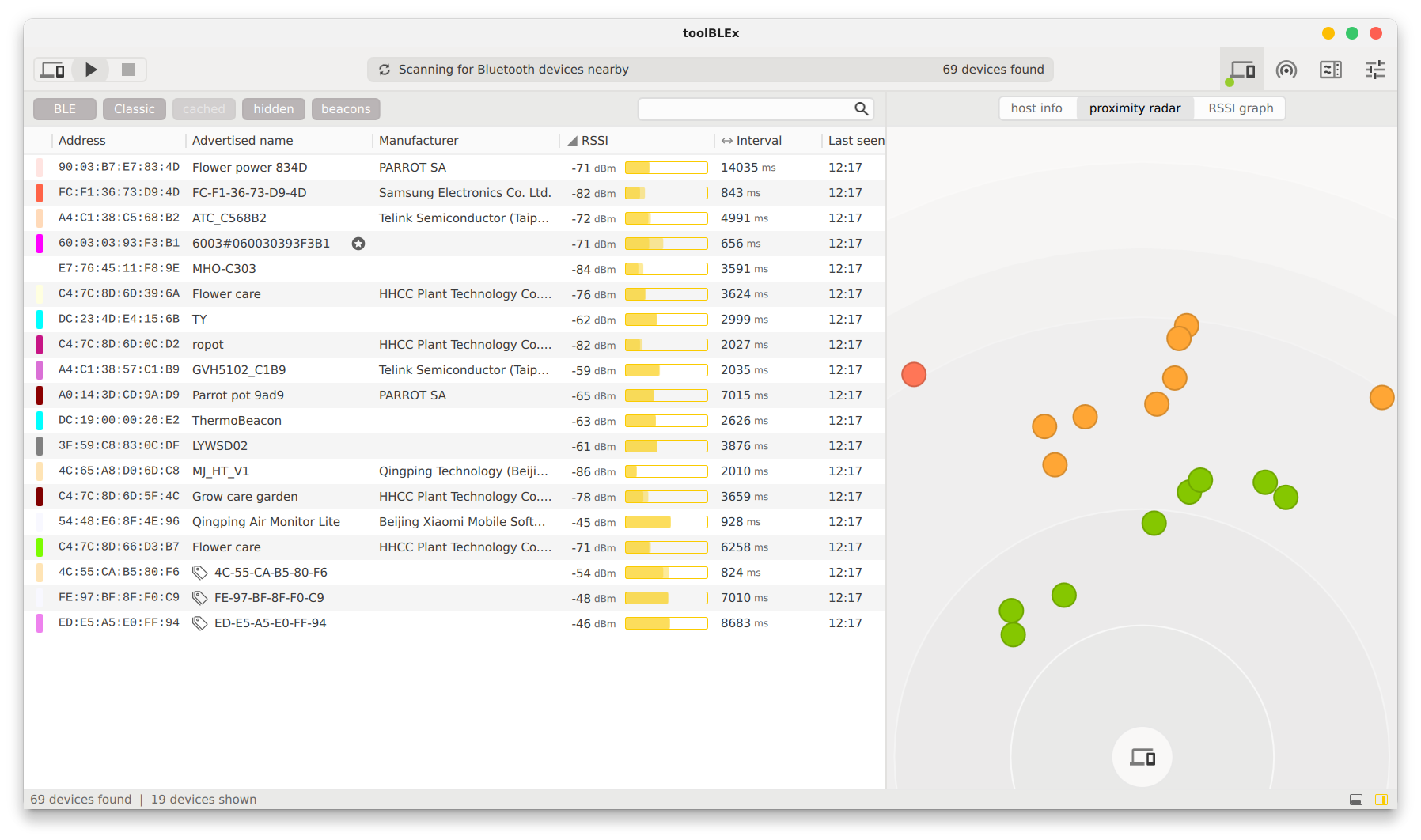
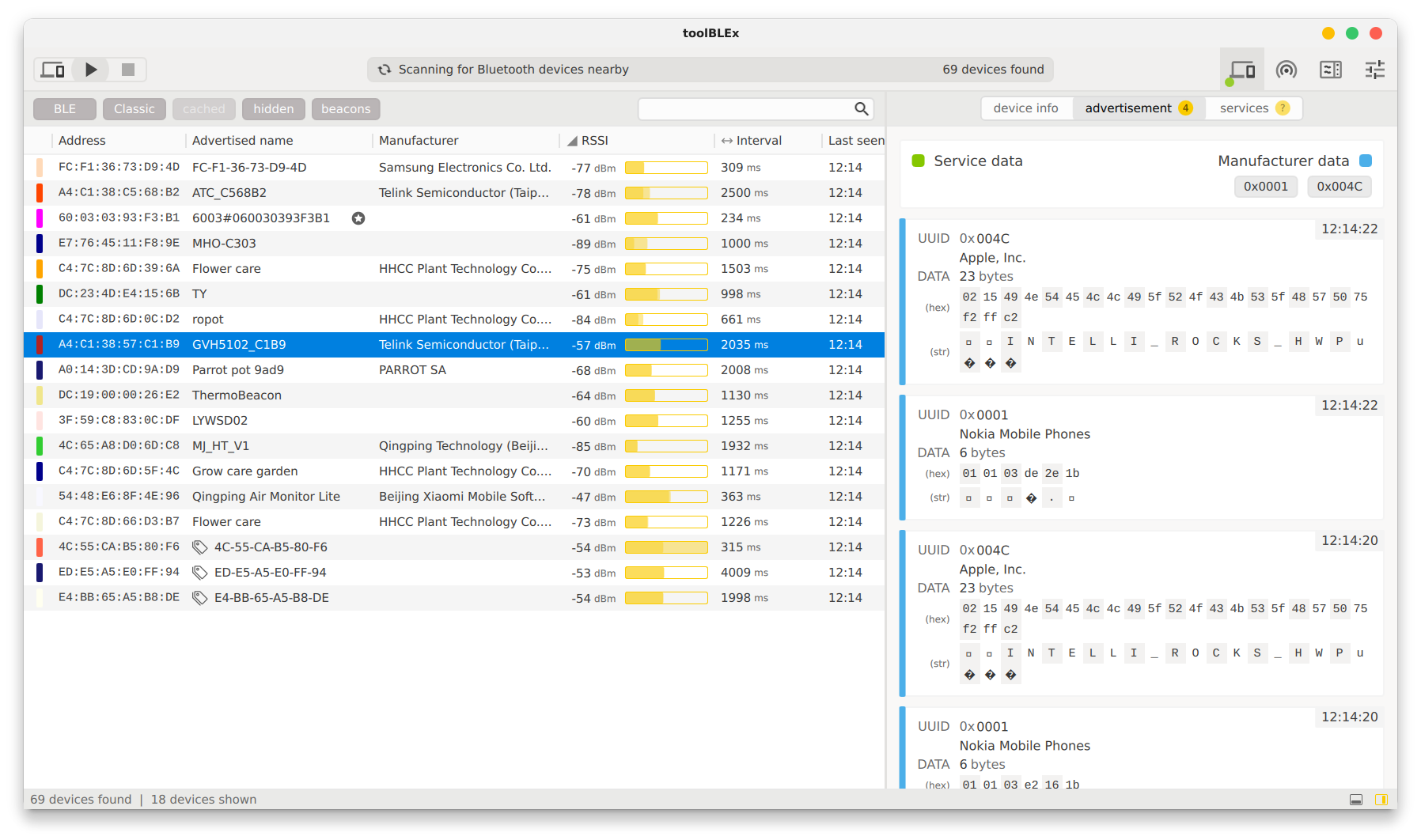
- Real-Time Signal Visualization: Track signal strength fluctuations instantly using the built-in RSSI and proximity graphs to isolate physical interference issues.
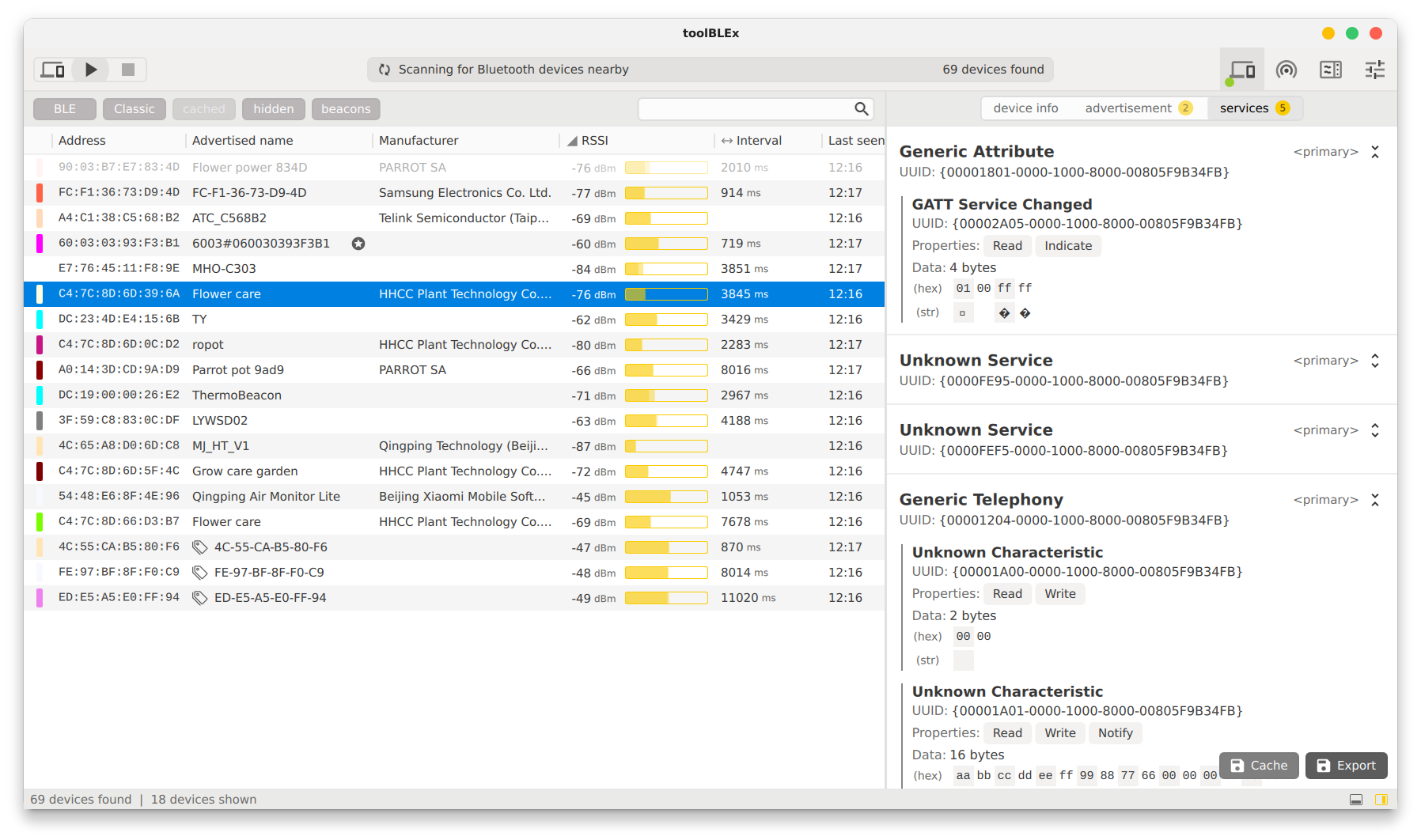
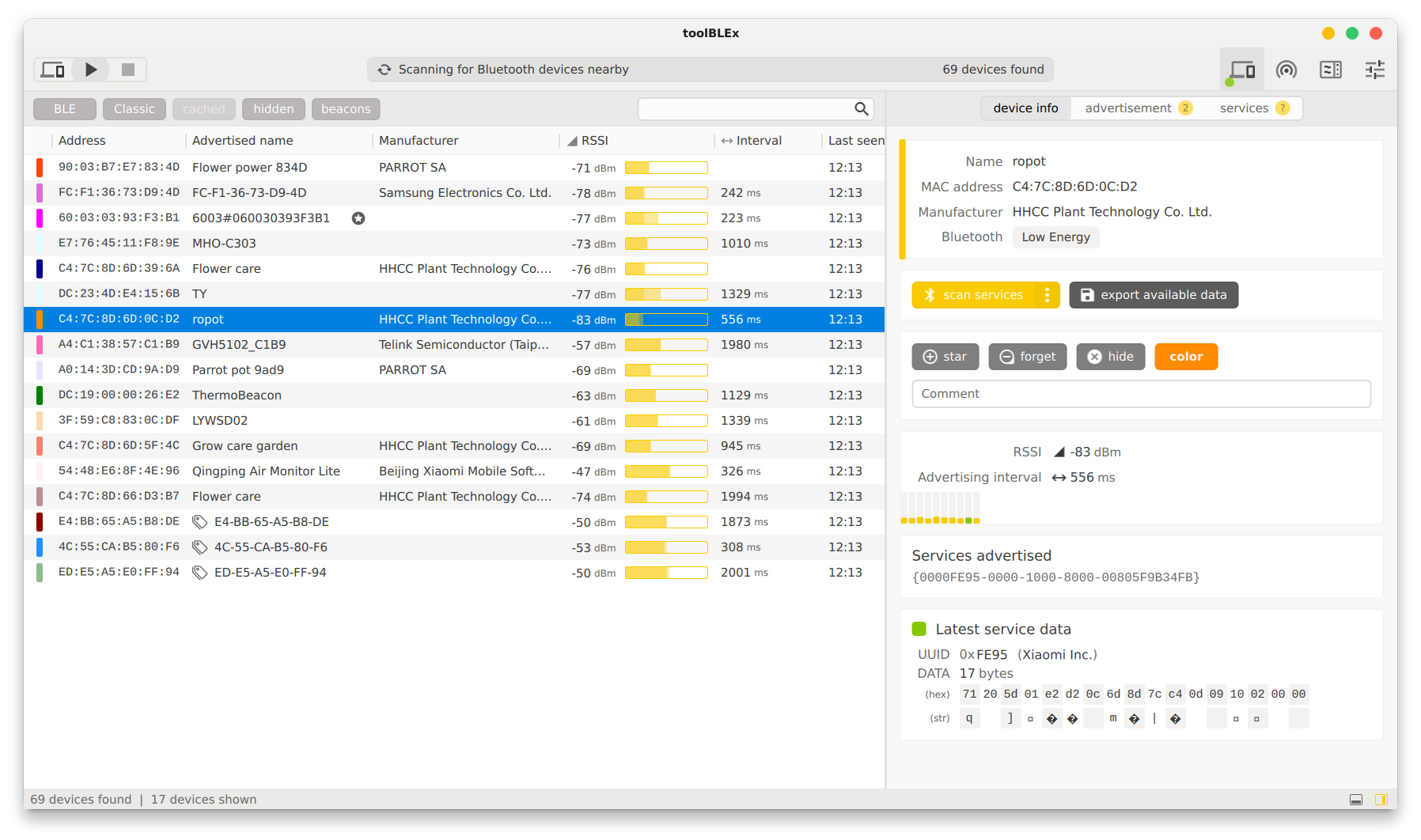
- Deep Service Exploration: Drill down into BLE advertisement packets, explore available services, and inspect device characteristics with ease.
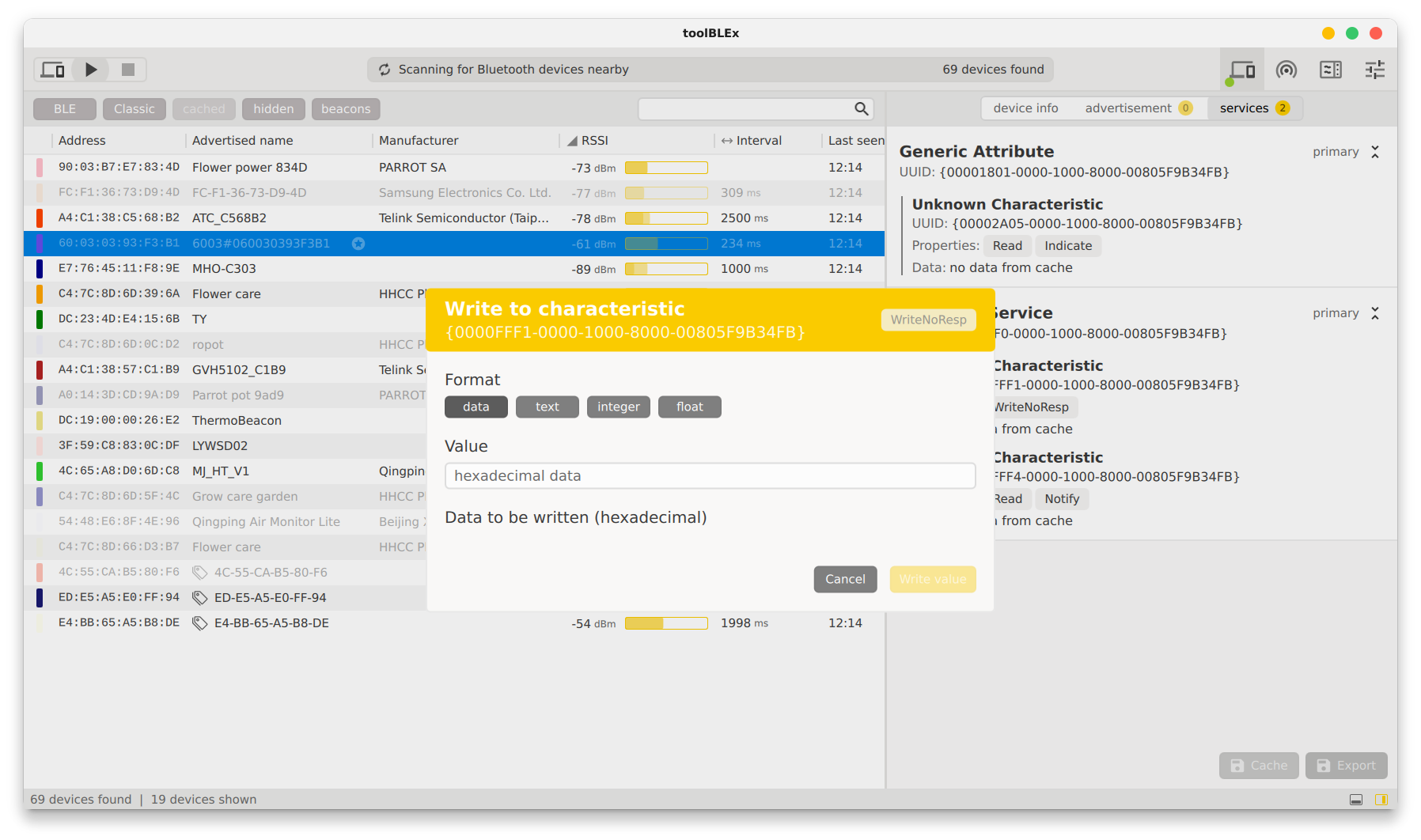
- Direct Data Interaction: Read and write directly to BLE device characteristics to test hardware responses on the fly.
- Detailed Data Export: Save your diagnostic sessions by exporting comprehensive device profiles, including advertisement packets and service structures.
- Advanced Frequency Analysis: For specialized setups, the tool integrates with Ubertooth One hardware to provide dedicated frequency spectrum analysis.
Who Benefits Most From This Tool?
Whether you are an IoT developer testing custom BLE firmware, a system administrator mapping out wireless hardware layouts, or a power user troubleshooting peripheral connectivity on Linux, this software simplifies the entire process. It transforms raw signal data into actionable, structured insights without unnecessary operational overhead.
Getting Started
If you need to demystify your local signal environment, this utility offers the precision and depth required for professional-grade diagnostics. To explore its full capabilities or to install the software on your system, head over to the official Flathub store page to get started.
Rate the App
User Reviews










Popular Apps









Editor's Choice